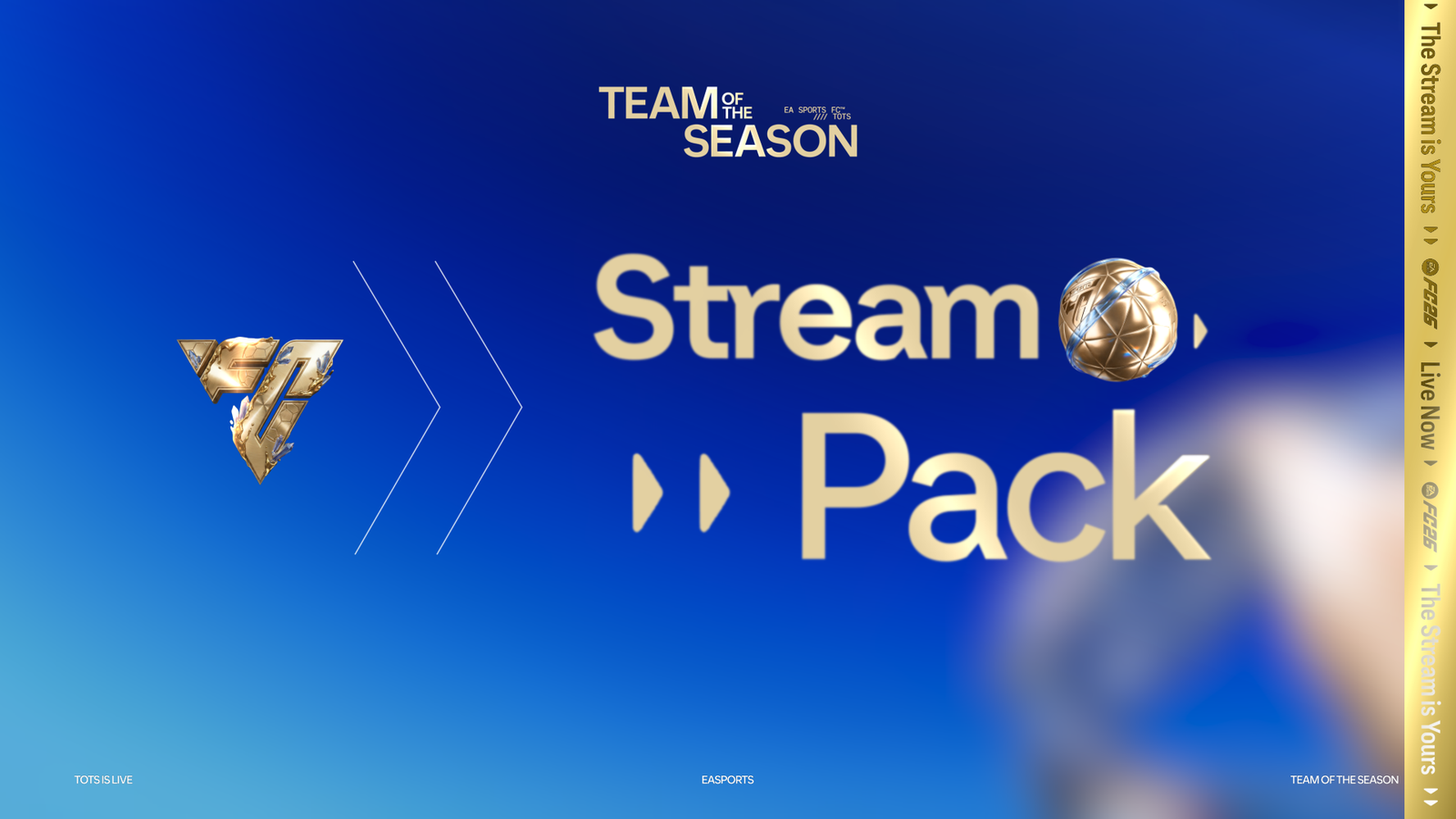
Team of the Season is the most watched promo of the FC26 season. Every serious streamer wants their channel to look the part the moment TOTS drops — and a generic overlay won't cut it. This guide breaks down exactly what makes a great TOTS stream overlay, what to look for, and which pack delivers the cleanest blue & gold TOTS identity for OBS, Streamlabs, YouTube Live and Kick.
The FC26 TOTS Animated Stream Pack is currently the most complete TOTS-ready kit for OBS and Streamlabs — 9 animated modules, 2D & 3D webcam overlays, a full EN/FR guide, and it installs in under 10 minutes.
What to look for in a TOTS stream overlay
Not all overlays are built the same. Here are the 5 criteria that separate a real FC26 TOTS pack from generic assets dressed up in blue:
- Visual identity match. A proper TOTS pack uses the official Team of the Season palette — deep blue, metallic gold, card-inspired light refractions. If the pack looks generic, it won't feel like TOTS.
- Animation quality (WEBM with alpha). Static overlays are dead in 2026. Animated WEBM files with transparent background are the industry standard for Twitch, Kick and YouTube.
- Modular structure. You want to be able to use just the intermission scene, or just the alerts — not be forced to rebuild the whole scene collection.
- OBS + Streamlabs compatibility. A pack that only works on one software is a red flag.
- Setup documentation. If there's no guide, expect 2+ hours of debugging.
Why animated overlays beat static ones
Retention on Twitch and Kick is measured in seconds. The first 15 seconds decide whether a viewer stays or bounces. Animated overlays — stingers, alerts, counter cards — create movement at the exact moments when the stream would otherwise feel flat (pack openings, reveal animations, WL rewards).

A subscribe alert with a real TOTS-style animation doesn't just notify — it rewards the sub visually. That single micro-interaction builds the loop that pushes viewers to follow, sub, donate.
Anatomy of the FC26 TOTS animated stream pack
Let's break down what's inside the complete pack:
1. Animated alerts (WEBM)
Three alert types — new follower, new subscriber, new donation — all animated with the TOTS signature light flare and gold accent. Drop straight into Streamlabs or StreamElements.
2. Stinger transitions
Four full-screen stingers animated with the TOTS visual motif. Used between scenes to mask the switch with a premium broadcast-style transition.
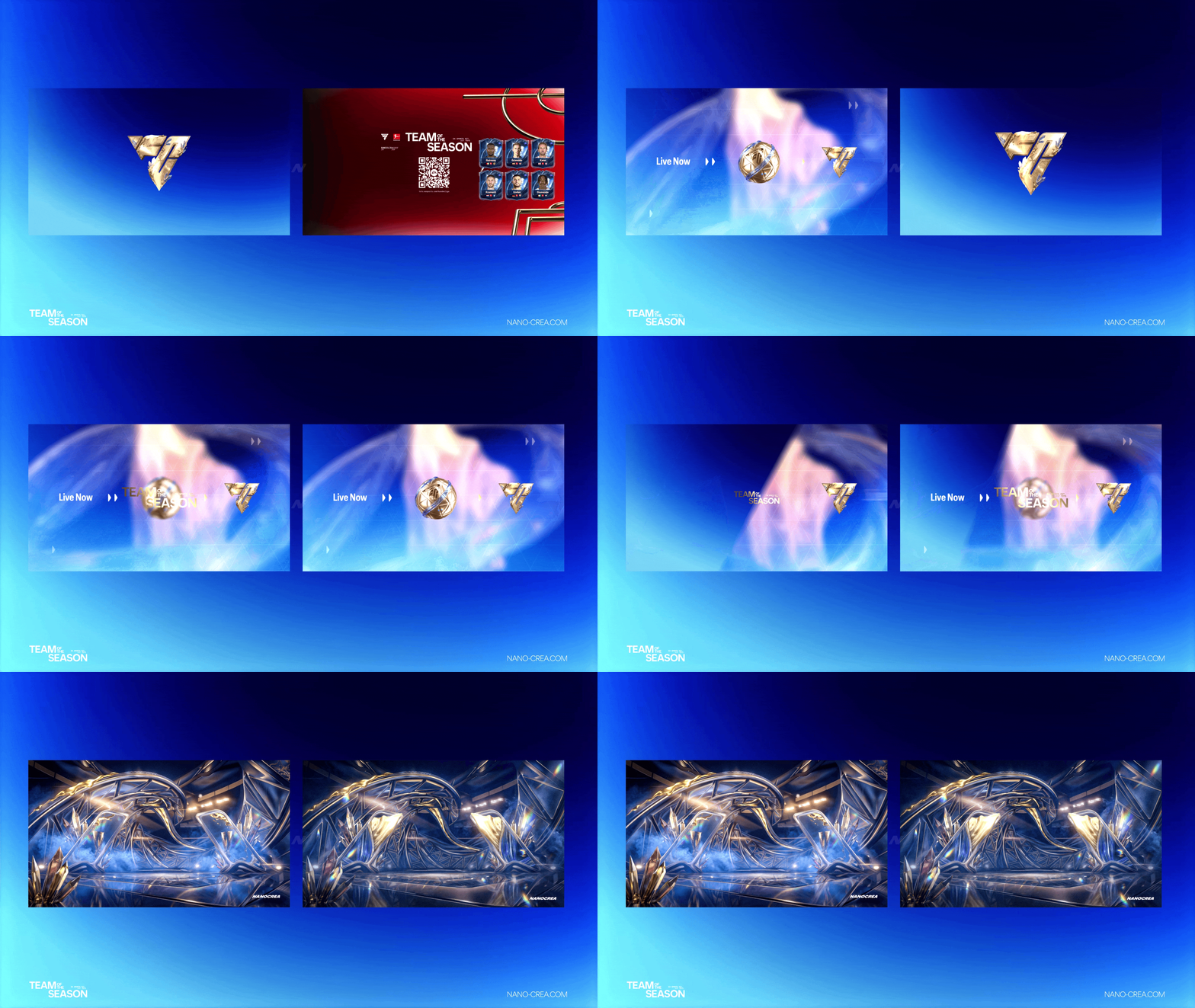
3. Webcam overlays (2D & 3D)
Four webcam frames including 2D and 3D variants. Built to frame the creator's face with the TOTS color palette without eating screen real estate during gameplay.
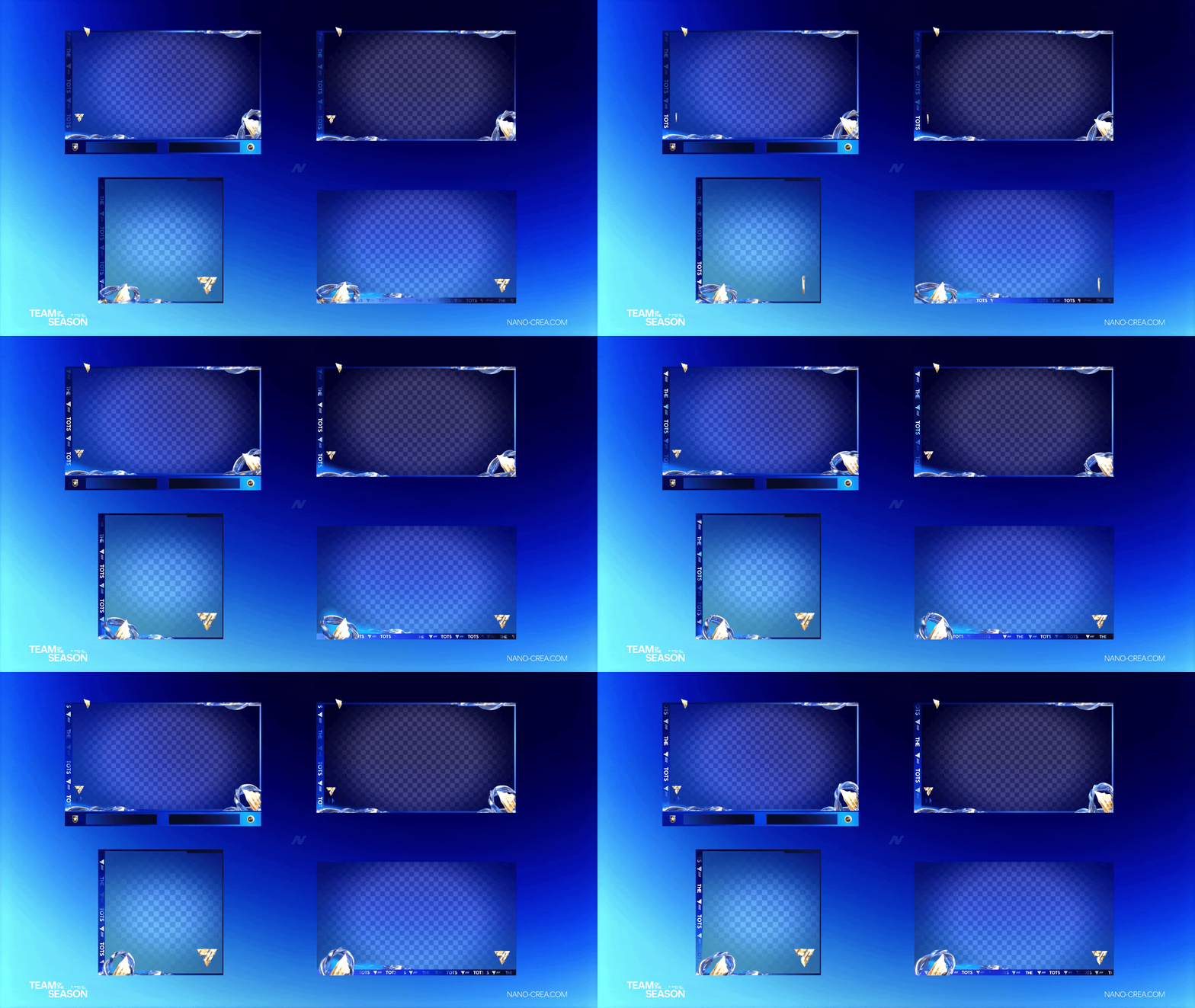
4. Intermission scenes
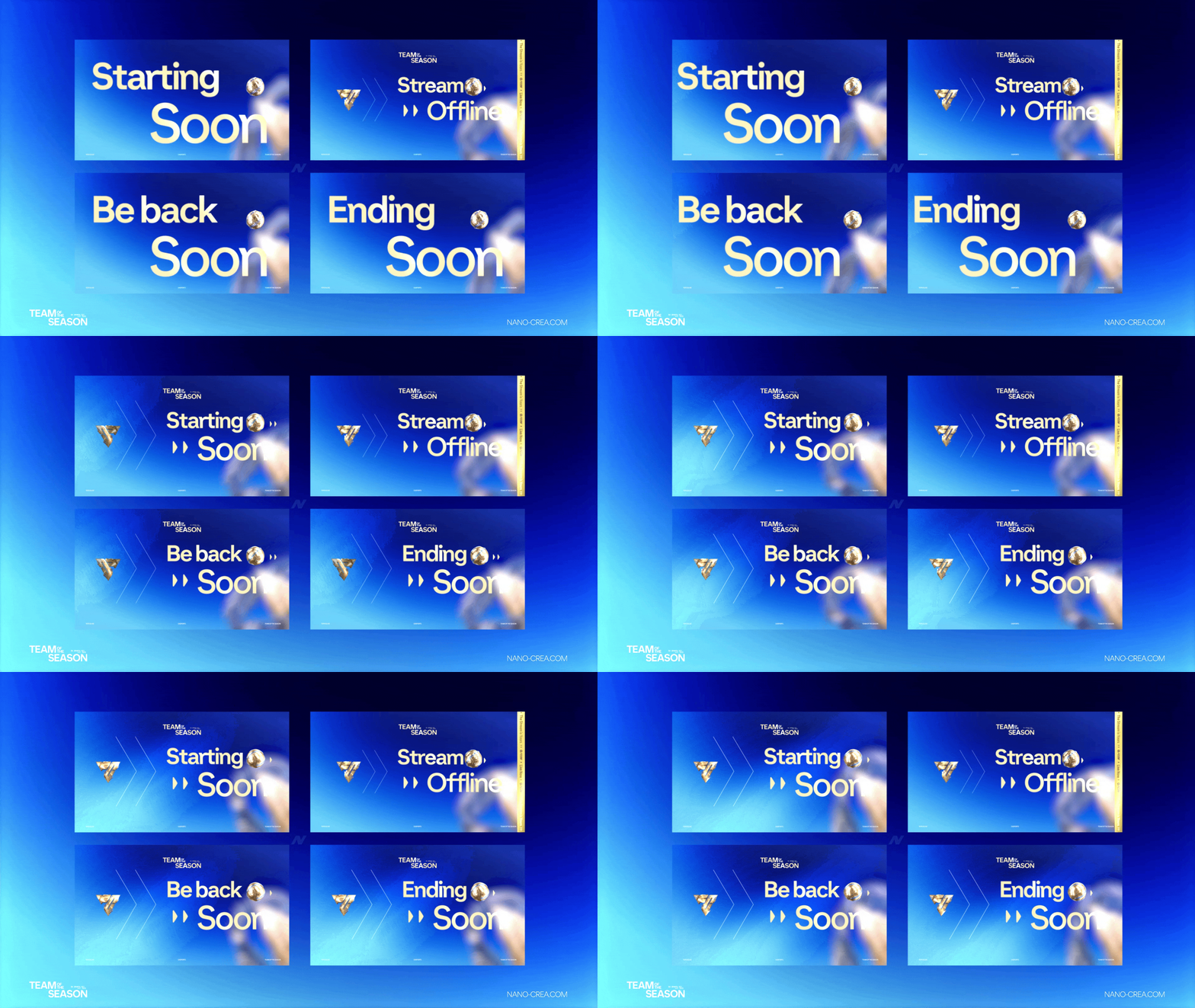
Two intermission scenes for "Be right back" and "Ending soon" — animated with the same TOTS universe so the brand stays consistent across every scene.
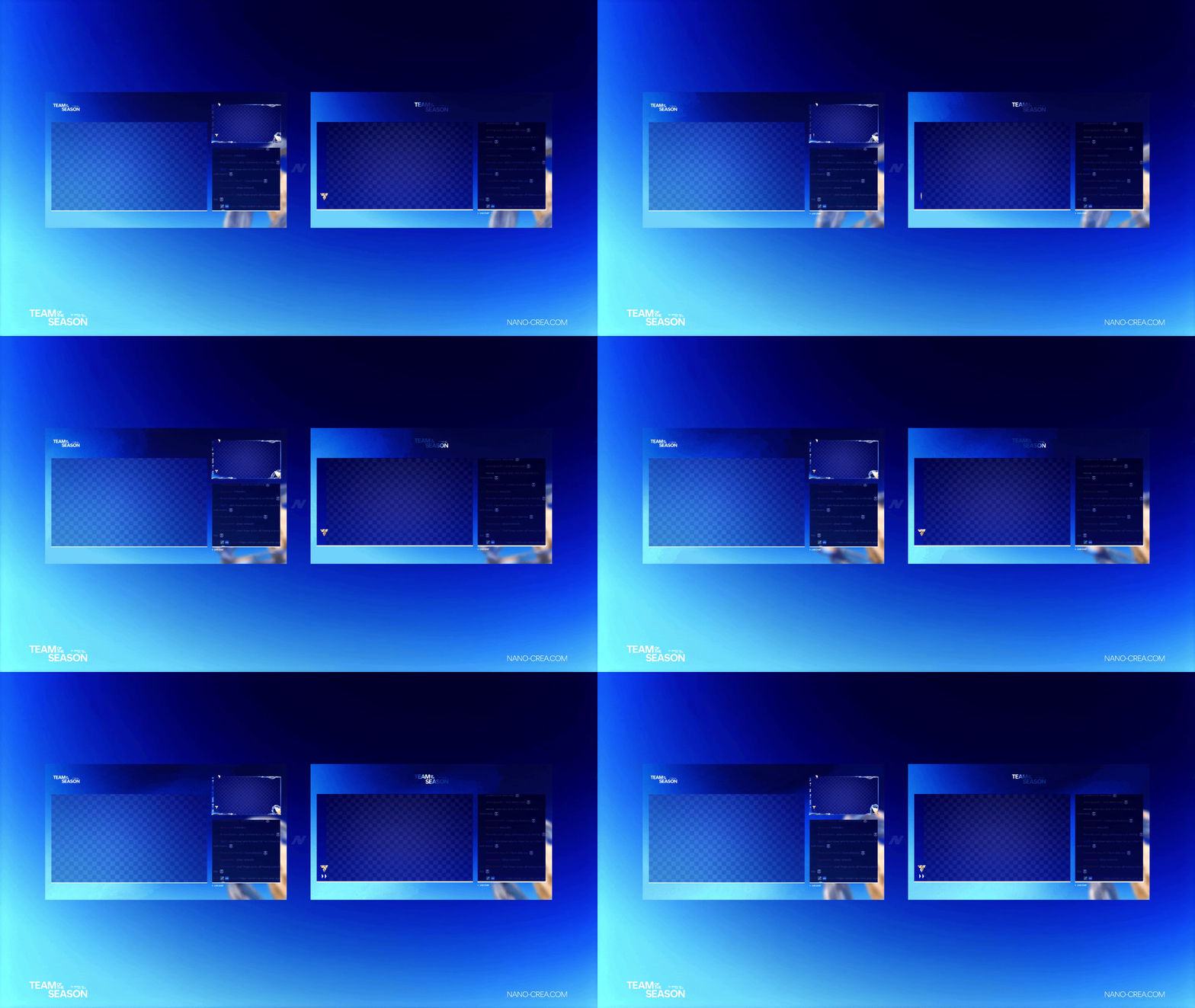
5. UT Champs scoreboards
Two scoreboard templates optimized for Weekend League and Rivals — clean, readable, and styled in TOTS blue/gold.
6. Counter cards
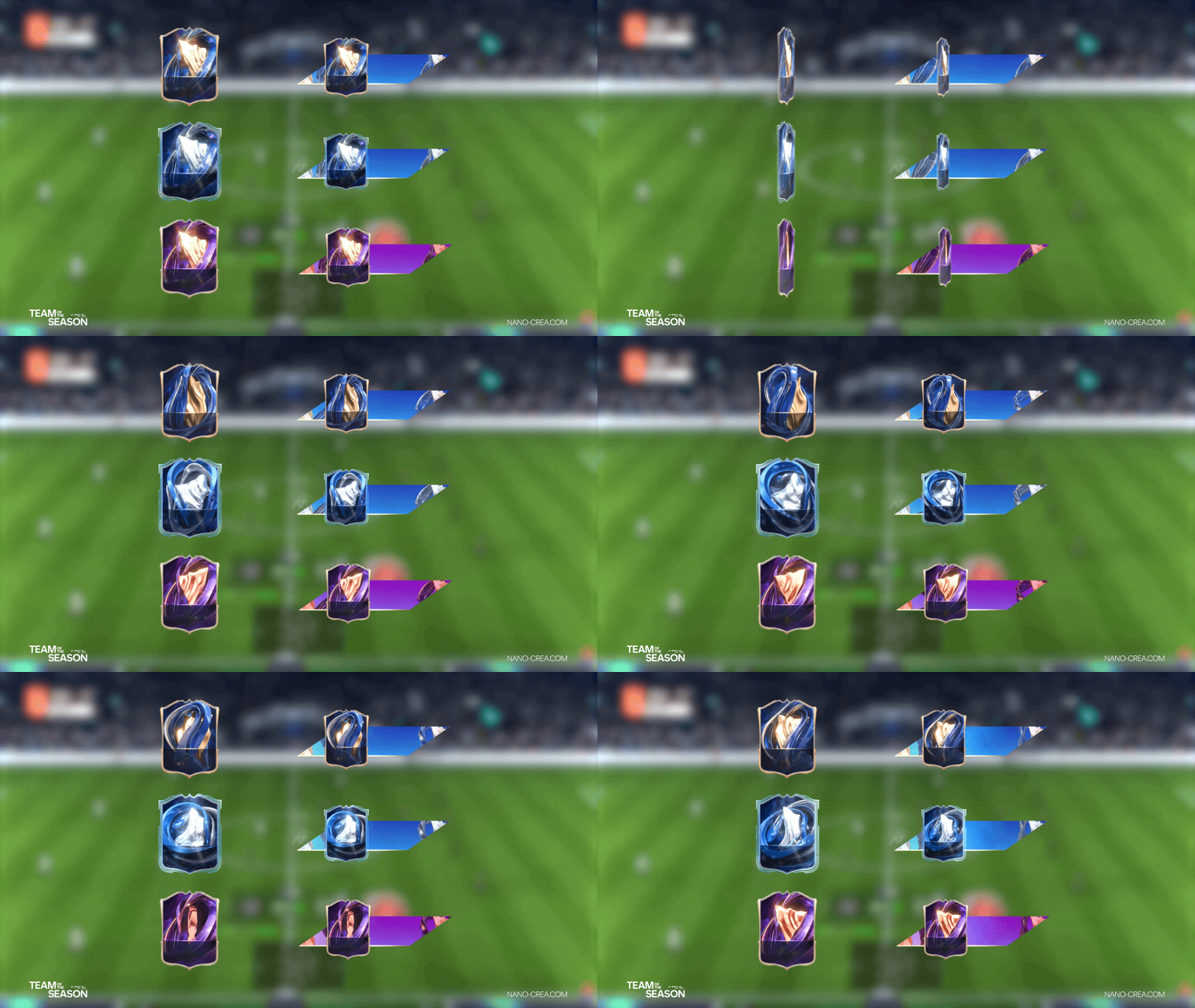
Four counter cards for pack openings, WL wins, and rank progress. Pack reveals are the highest retention moments of a FC stream — a proper counter card turns every opening into a shareable clip.
7. Scene intros & announcements
Eight scene intro/announcement overlays for flexible stream segmentation.
8. Background loops + fonts + guide
TOTS-themed looping backgrounds, custom fonts, and a full setup guide in English and French.
Get TOTS-ready in under 10 minutes
The FC26 TOTS Animated Stream Pack is available now — launch offer, 48h bonus included.
Get the TOTS Stream Pack →How to install the TOTS overlay in OBS (5-step setup)
- Download & unzip. After purchase you get an organized folder with subfolders per module (alerts, overlays, scoreboards, etc.).
- Add a Media Source in OBS for each WEBM file. Check "Loop" for background loops and intermission scenes.
- Import alerts into Streamlabs or StreamElements via the custom widget URL (guide included).
- Adjust webcam frame over your camera source. The 2D version is safer for 1080p, 3D version hits harder for 4K.
- Test in preview mode before going live. Trigger an alert to confirm audio sync.
Budget option: Essential TOTS Stream Pack
Not ready for the full pack? The Essential version (19.99€) gives you the 5 core modules — starting soon scene, intermission, webcam overlay, one transition, and a background loop. Same TOTS universe, lighter setup, available here.
Individual modules (9.99€ each)
If you only need one element — intermission scene, overlay camera, counter card, transition, scoreboard — each is sold separately at 9.99€, or alerts at 4.99€. Useful if you already have a base setup and just want to refresh one module for TOTS.
FAQ — FC26 TOTS stream overlay
Ready to upgrade your TOTS streams?
Complete pack, Essential version, or single modules — pick the setup that fits your channel.
Browse TOTS Stream Pack →