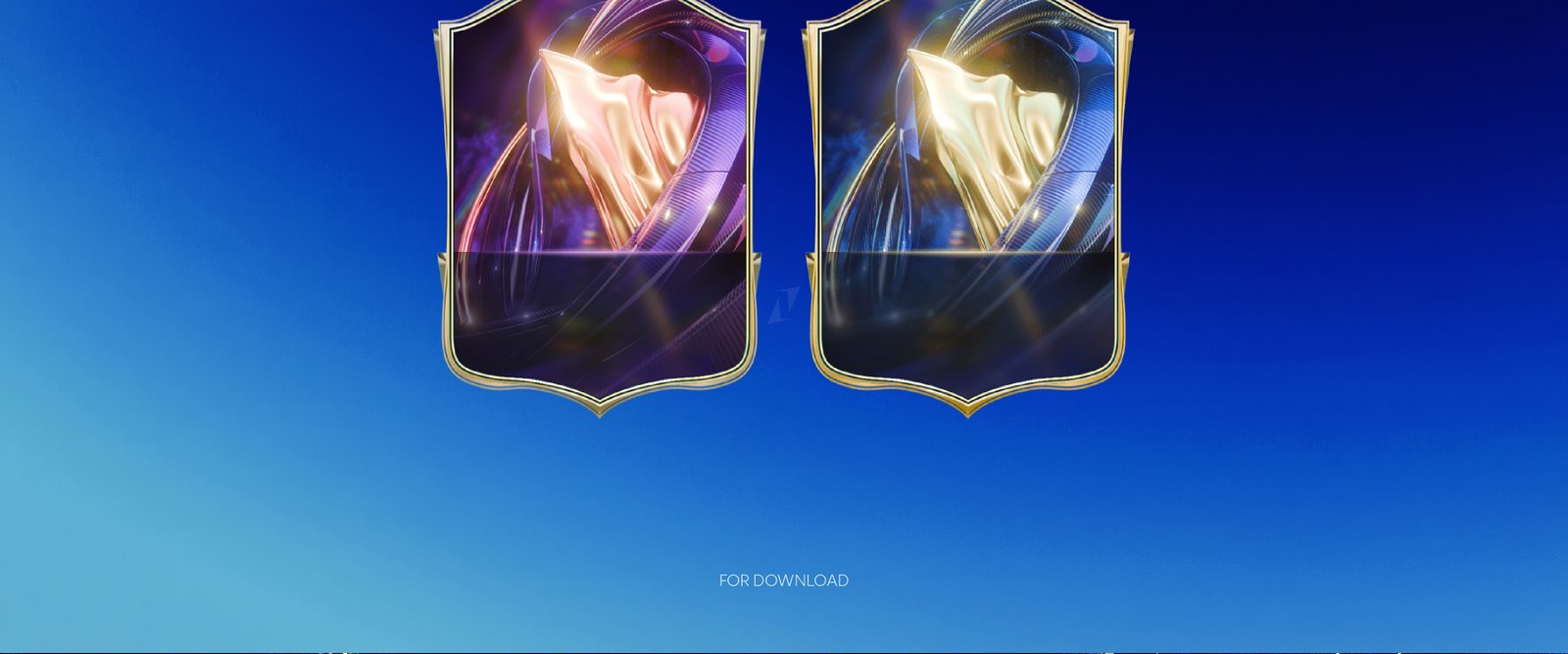
When Team of the Season drops, the creators who win aren't just the ones who grind — they're the ones whose content looks the part. Strong TOTS visuals cut through feed fatigue. This is the list of the 5 graphic elements that every serious FC26 streamer should lock in before TOTS hits the meta.
If you want all 5 in a single pack with matching TOTS visual identity, grab the FC26 TOTS Animated Stream Pack — it covers stream overlays + the bonus graphic pack bundle covers the rest.
1. Animated webcam overlay (2D & 3D)
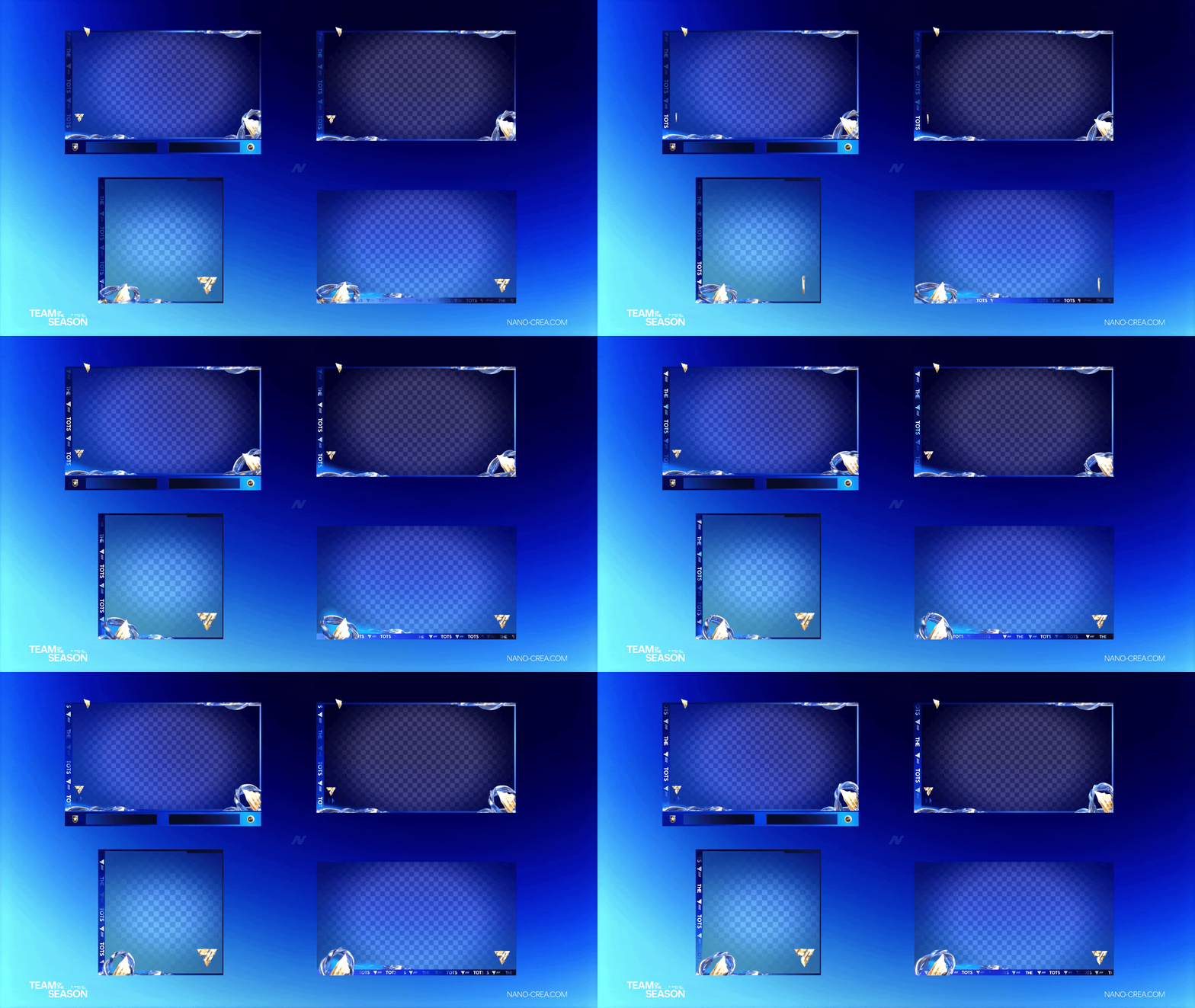
The webcam overlay is the single most visible asset on your stream. It's on screen 95% of the time. A generic rectangle webcam frame kills branding — it reads "casual streamer" to viewers within 3 seconds.
A TOTS-themed overlay does 3 things:
- Signals the promo period. Viewers scrolling Twitch immediately know your stream is about Team of the Season content.
- Frames your face. Drawing the eye to your reaction, which is the core value you deliver on FC streams.
- Anchors your brand. Colors + shapes become recognizable across VODs, clips, shorts.
Go 2D for 1080p (cleaner, less distraction) or 3D for 4K setups (more depth, more "premium" perception).
2. Counter card for pack openings
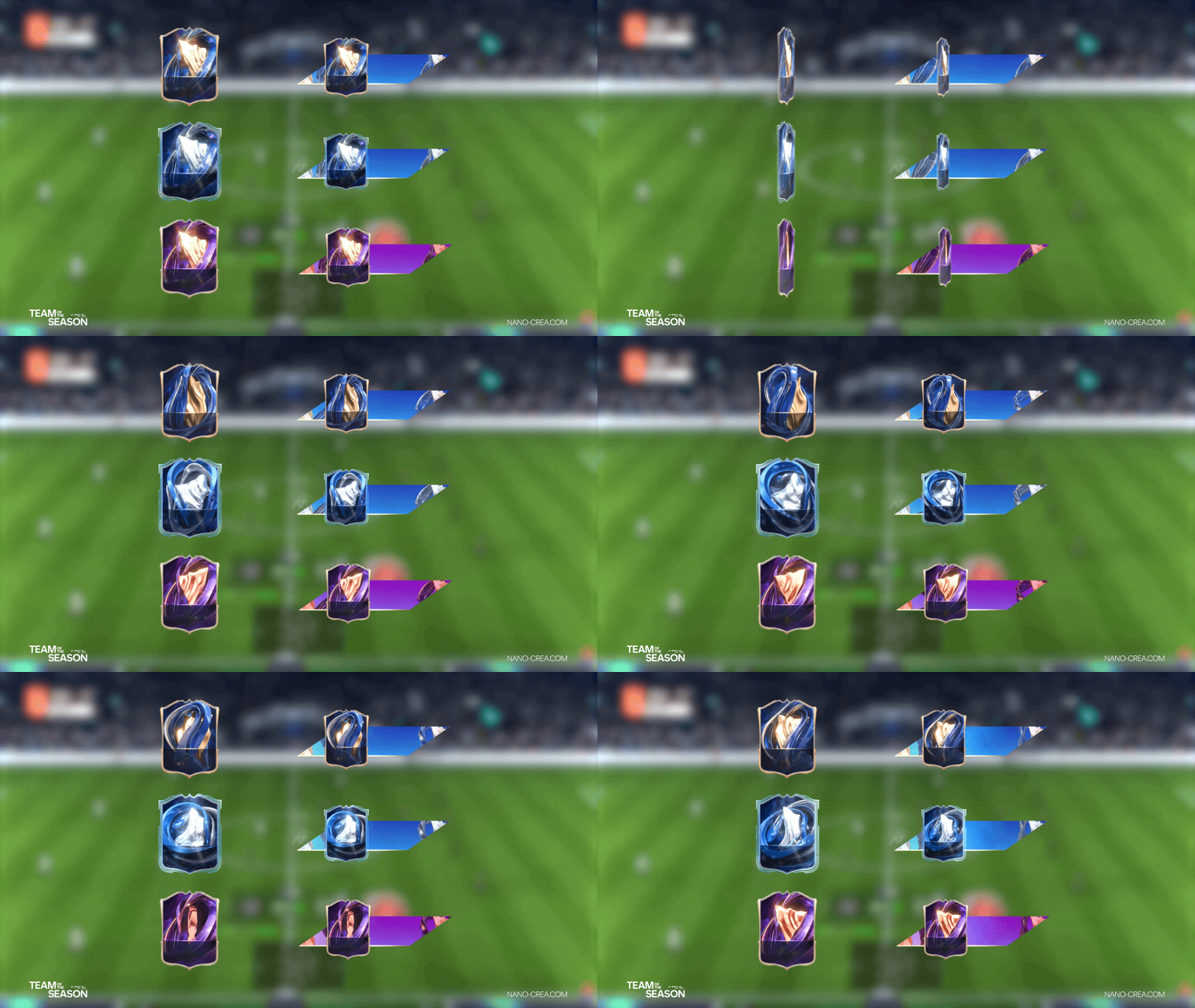
Pack openings are the highest retention moments of any FC stream. This is where casual viewers stop scrolling and watch the reveal. A clean animated counter card accomplishes 3 things:
- Builds anticipation with a running count
- Creates a reliable clip frame every time you pull a walkout — the same visual frame each time is how a moment becomes a trademark
- Gives editors pre-made B-roll frames for TikTok / Shorts edits
Missing this is the #1 content mistake FC streamers make during TOTS. The pack-opening moment is your shareable asset — frame it properly.
3. UT Champs / Weekend League scoreboard
WL streams are the second-biggest content format during TOTS (behind pack openings). A TOTS-themed scoreboard gives:
- Clear match stakes — viewers landing mid-stream immediately know the context
- Discord / Twitter shareable screenshots at critical moments
- Highlight clip frames ready for YouTube recap edits
The scoreboard shouldn't dominate the screen — it sits top-right, consistent, branded. Over the course of a 15-game WL that's 15+ hours of exposure per event.
4. Intermission / BRB scene
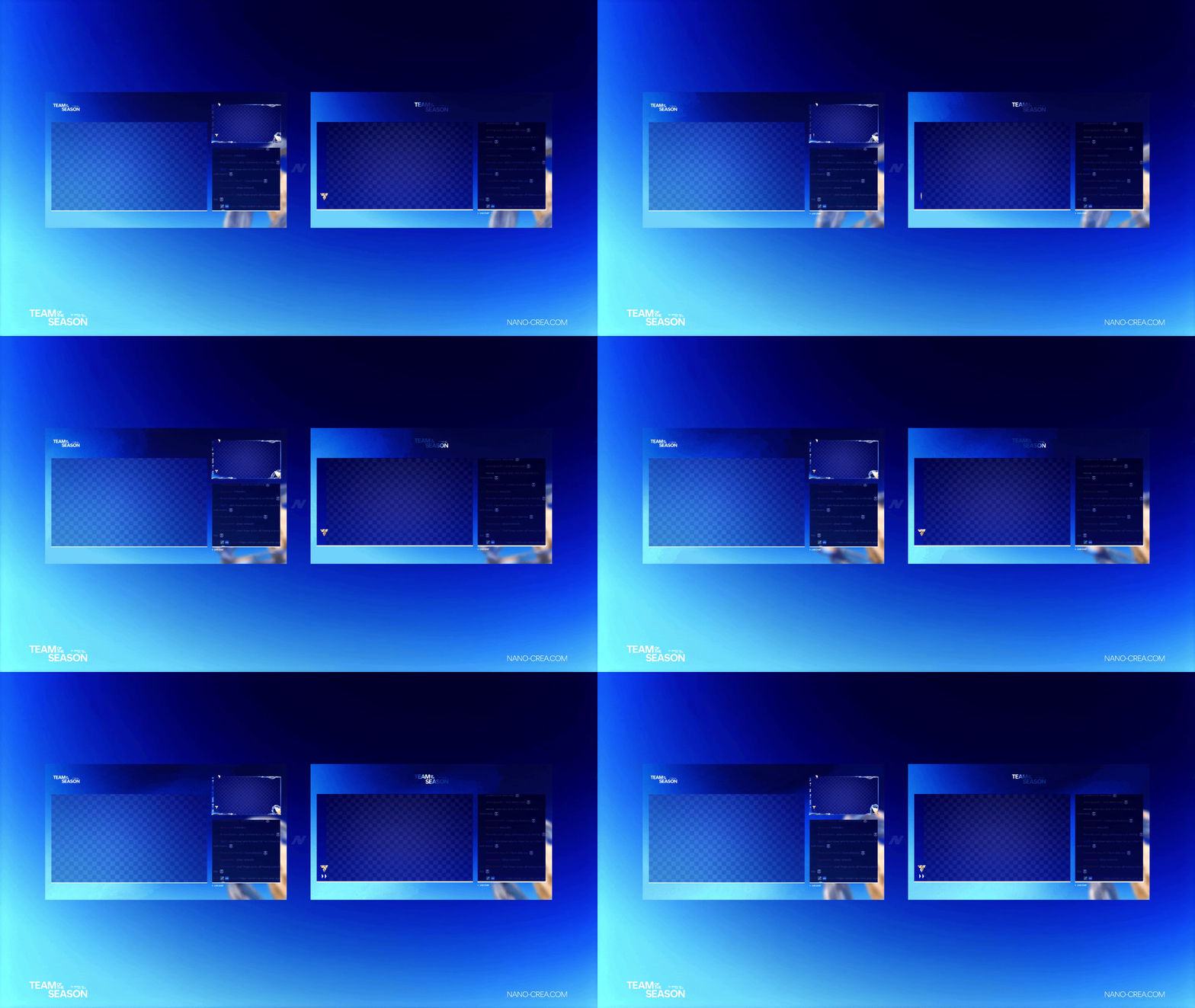
The intermission screen is the most underrated branding surface in streaming. When you hit "BRB" for 5 minutes:
- Viewers are staring at that screen, not gameplay
- New arrivals land on that screen mid-break
- Clip editors often use it as a transition frame
A generic "Be right back" text is a missed branding opportunity. A properly animated TOTS-themed intermission with your logo + promo of your current content turns break time into marketing time.
5. Stinger transition
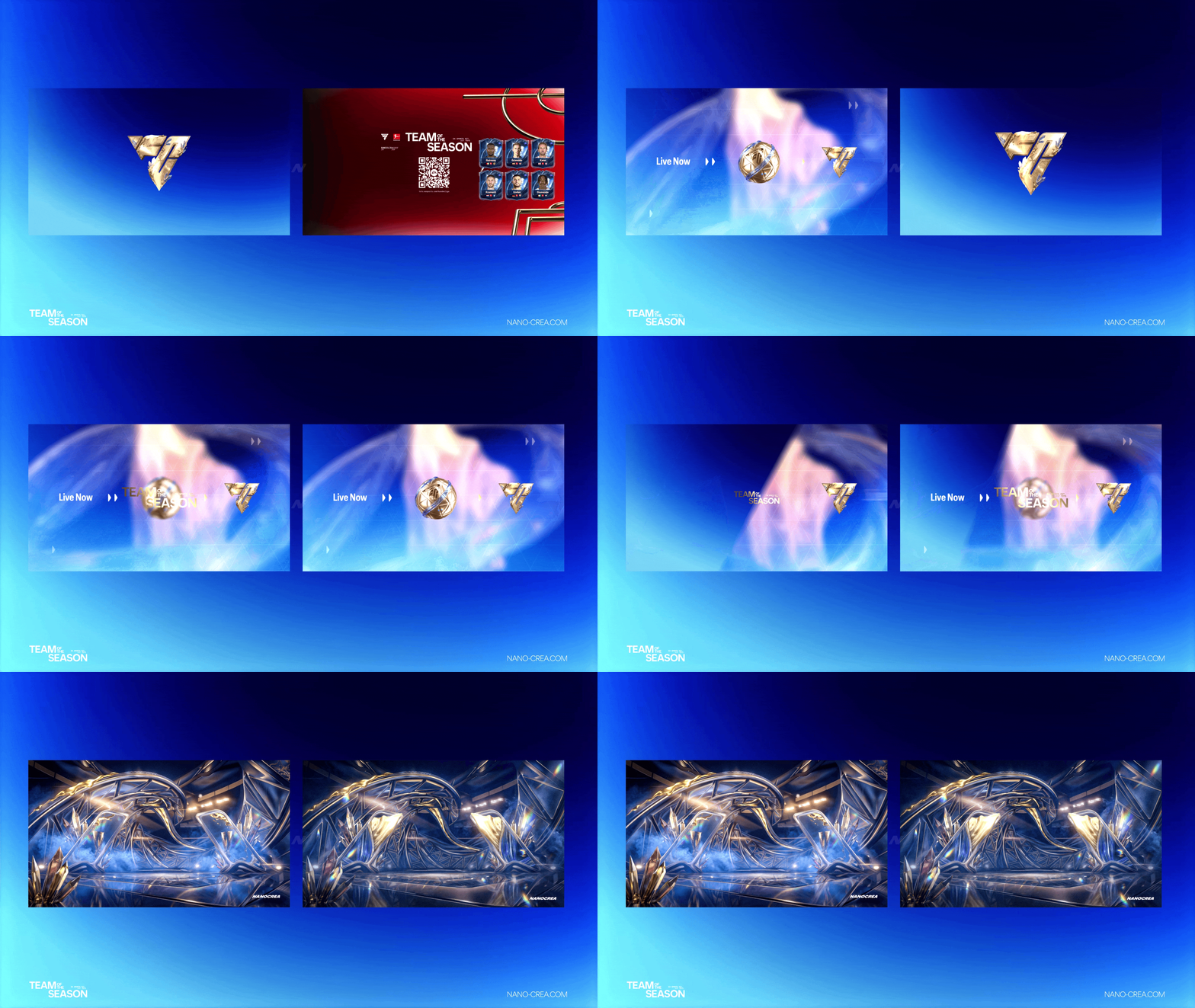
Transitions are the detail that separates a hobbyist stream from a broadcast-quality one. A stinger transition — full-screen animated masking between scenes — does 2 things:
- Hides the cut between scenes (no awkward "oh wait the screen changed" pause)
- Reinforces the branded visual identity on every scene change
Over a 4-hour stream with 20+ scene changes, that's 20 branded moments. Free exposure to every viewer watching.
Bonus — YouTube thumbnails
Not included in the stream pack, but critical for growth: TOTS-themed thumbnails for YouTube VODs, Shorts and clip channels. The FC26 TOTS Graphic Pack includes editable PSD thumbnail templates — same blue & gold palette, consistent with your stream overlay.
Lock in all 5 elements in one pack
The FC26 TOTS Animated Stream Pack covers elements 1–5. 48h launch bonus during TOTS.
Get the TOTS Stream Pack →Why matching visuals matter (data)
Studies on Twitch retention show streams with consistent branding across overlay, webcam, alerts and transitions see:
- +18% average view duration vs unbranded streams
- +24% follower conversion from viewer to follow
- 2.3x clip creation rate — viewers clip branded moments more often because they "look like content"
Brand identity isn't vanity — it's a retention multiplier. Especially during a promo window like TOTS where competition for viewer attention is at its peak.
How to pick: full pack vs individual modules
If you're missing 3 or more of the 5 elements above → the complete pack (29.99€) pays for itself in consistency alone.
If you have a working base setup and just want to refresh for TOTS → pick up individual modules at 9.99€ each (Counter Card, Overlay Camera, Intermission, Scoreboard, Transition).
If you're on tight budget → the Essential Pack (19.99€) covers 5 core modules. Cheaper than getting 3 individual modules and includes everything to run a clean TOTS stream.